Open the admin profile from the account menu at the bottom of the panel. You can update your name, change your password and manage V3 admin sessions here.
Account details
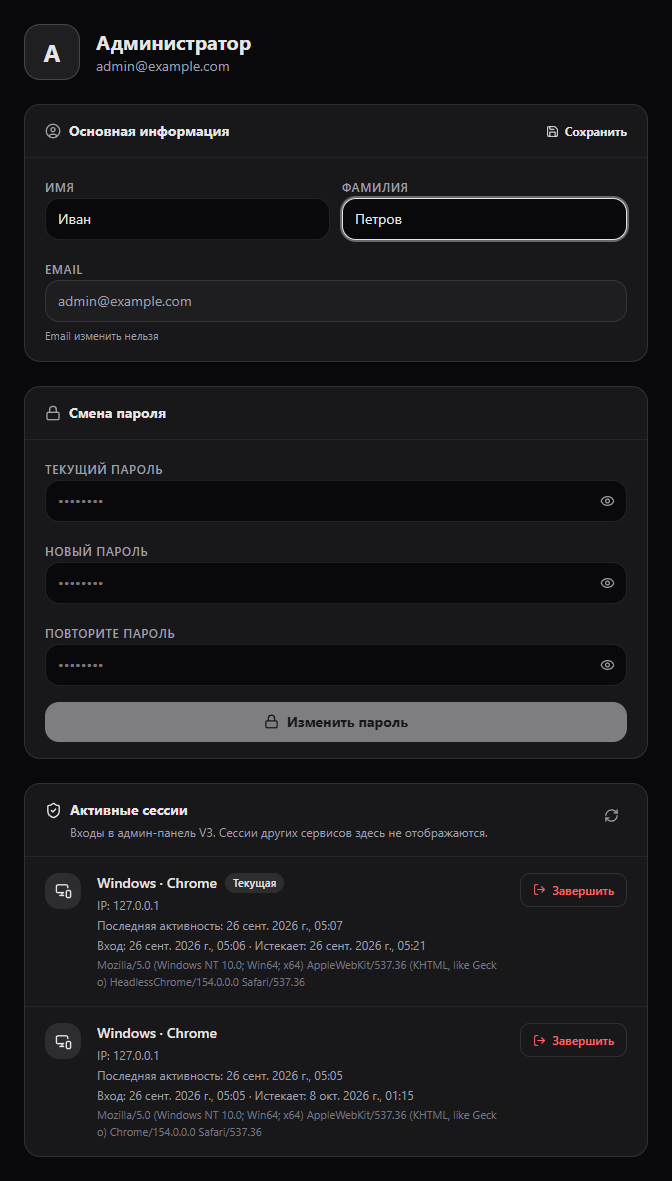
Edit your first and last name, then select Save. Your email address is shown for reference and cannot be changed here.
Change password
Enter your current password, a new password and its confirmation. Use the new password for future sign-ins after the change succeeds.
Active sessions
The list shows devices, IP addresses, sign-in times and last activity in the V3 admin panel. The current session is marked separately. Select End and confirm to close access on a device. Ending your current session returns you to sign-in. Sessions in other services are not shown here.
Sign out
Select Sign out in the account menu and confirm. The current session is ended.